
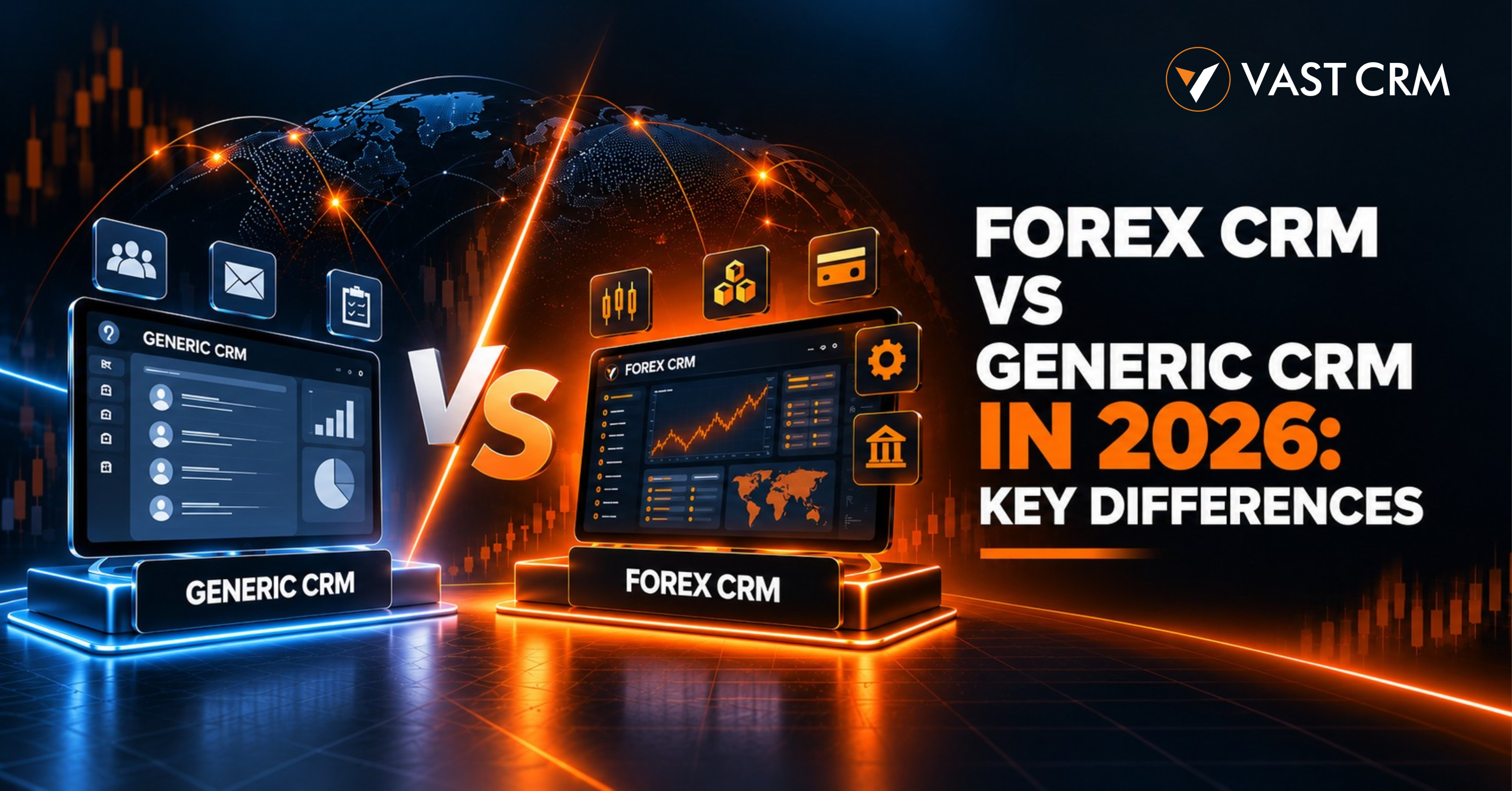
Forex CRM vs Generic CRM in 2026: Which Is Better?
Oct 03, 2026
Forex CRM vs generic CRM is an important comparison for any brokerage that wants to grow. Both systems help manage clients, leads, and daily tasks. But they serve different needs. A generic CRM tracks sales and customer details. A Forex CRM can also manage trading accounts, IB networks, payments, and brokerage workflows. The right choice depends on your business goals. This guide compares both systems in simple terms.
Forex CRM vs Generic CRM: What Is the Difference?
A generic CRM helps a business manage customer relationships. It stores contact details, tracks leads, and records sales activity. Teams can use it to send emails, set reminders, and manage support requests.
A Forex CRM is built for brokerage operations. It can connect client records with trading accounts, KYC tasks, payment requests, and IB commissions. It may also support PAMM and social trading workflows.
The main difference is the type of work each system can handle. A generic CRM works well for basic sales tasks. A Forex CRM can support more complex brokerage needs. Some generic CRMs can do this work through custom code or extra tools. You should compare the full setup before you decide.
What Is a Generic CRM?
A generic CRM keeps customer data in one place. It helps teams track leads and follow up on time. It also makes it easier to see past calls, emails, and sales activity.
For example, a sales team can add a new lead to the CRM. The team can assign an owner and set a follow-up date. A manager can then check the sales pipeline and review progress.
Generic CRM software is useful for many types of business. It can support marketing, sales, and customer service. However, it may not include ready-made tools for trading accounts, IB commissions, or brokerage payments.
These features may need extra setup. This can add time, cost, and work for your team.
What Is a Forex CRM?
A Forex CRM helps a brokerage manage clients and daily operations. It brings key tasks into one system. Staff can use it to review client details, manage accounts, and track requests.
Depending on the product, a Forex CRM can support:
- Client registration and account management.
- KYC document collection and review.
- Trading platform integration.
- Deposits, withdrawals, and transfers.
- IB referrals and commission tracking.
- PAMM and social trading workflows.
- Reports, audit logs, and team permissions.
These tools help teams work with less manual effort. They also make it easier to track tasks and find records. Actual features depend on the software and its integrations.
A Forex CRM is not always a trading platform. It often works as a back-office system that connects client services with supported trading tools.
Forex CRM vs Generic CRM: Feature Comparison
Before you choose, compare the main features. This table shows how the two systems often differ. The exact features can vary by vendor.
| Feature | Generic CRM | Forex CRM |
|---|---|---|
| Lead management | Tracks leads and sales tasks | Tracks leads with brokerage workflows |
| Trading accounts | May need custom integration | Can connect to supported trading platforms |
| KYC management | May need extra tools | Can manage document and review status |
| IB management | May need custom development | Can track referrals and commissions |
| Payments | Often tracks sales payments | Can manage brokerage payment requests |
| Trading reports | May need external data | Can show data from supported platforms |
| Workflow automation | Automates general business tasks | Can automate brokerage tasks |
| IB networks | Usually needs extra setup | Can support direct and multi-level networks |
| PAMM and social trading | May need custom development | May include dedicated modules |
| Setup cost | Can suit simple business needs | Depends on features and integrations |
Use this table as a starting point. Ask each vendor to show the features in a live demo. Also check setup fees, support, and integration limits.
1. Trading Platform Integration
Trading platform integration is a key part of brokerage software. It helps the CRM receive data from a supported trading platform. This may include account details, balances, and trade history.
A generic CRM may store basic account data. But it may not sync trading data by default. Your team may need an API connection or custom development.
A Forex CRM may offer ready-made trading platform connections. This can reduce manual data entry and keep records in one place.
Before you choose a system, ask these questions:
- Which trading platforms does it support?
- Can it create and manage trading accounts?
- How often does account data update?
- Can staff view trade history and balances?
- How does the system report failed updates?
Always confirm that your required platform is supported. Do not assume every integration is included in the base price.
2. KYC and Client Verification
KYC means know your customer. It helps a business collect and review client details. A brokerage may need to check identity documents before approving an account.
A generic CRM can store documents and notes. Yet it may not offer a full KYC workflow. Staff may need other tools to review files and update records.
A Forex CRM can help teams manage the process. Staff may view uploaded documents and set a status. They can mark a request as pending, approved, or rejected.
Useful KYC features include:
- Document upload and storage.
- Clear review status.
- Staff notes and audit logs.
- Access controls for private data.
- Alerts for missing documents, where supported.
These tools can make reviews easier to track. However, software alone does not ensure legal compliance. The brokerage must follow the rules that apply to its business.
3. IB Networks and Commission Management
An introducing broker, or IB, refers clients to a brokerage. The IB may earn a commission under an agreed plan. As the network grows, manual tracking can become difficult.
A generic CRM can record referral sources and contact details. But it may not calculate complex commissions or show a multi-level IB network.
A Forex CRM can support these tasks through dedicated tools. Depending on the product, staff can track referral links, view the IB tree, and review commission records.
Look for these features:
- Unique referral links for IBs.
- Direct and multi-level IB tracking.
- Lot-based commission plans.
- Commission reports and payment status.
- IB dashboards and network views.
These features can help reduce manual calculations. They also make it easier to check records and review network activity.
4. Deposits, Withdrawals, and Payment Integration
Payment requests need clear records and timely updates. Staff may need to check a deposit, review a withdrawal, or confirm a transfer.
A generic CRM can track customer payment questions. But it may not handle brokerage payment requests by default.
A Forex CRM can connect supported payment methods with the back office. Staff may be able to review requests and check transaction status in one place.
Check whether the system supports:
- Payment gateway integration.
- Deposit and withdrawal tracking.
- Transaction references and status updates.
- Wallet and transfer records.
- Payment reports and reconciliation.
- Secure access and audit logs.
Payment methods can vary by country and provider. Confirm the supported methods, fees, and approval steps before you sign a contract.
5. Reporting and Business Insights
Reports help teams see what is happening. A generic CRM often shows lead activity, sales progress, and customer communication.
A Forex CRM can provide a wider view of brokerage work. It may combine client records with trading accounts, IB commissions, KYC status, and payment requests.
Useful reports may cover:
- New and active clients.
- Pending and completed KYC requests.
- Deposit and withdrawal totals.
- IB referrals and commissions.
- Trading accounts and trade history.
- PAMM and social trading activity.
Check how often the data updates. Also ask if you can filter reports and export them. Good reports should help your team find answers without extra manual work.
6. Workflow Automation
Manual work takes time. It can also lead to missed tasks and data errors. Workflow automation helps teams follow clear steps.
A generic CRM can assign leads and send follow-up reminders. A Forex CRM can also automate brokerage tasks, where supported.
For example, a system may alert staff when a KYC request needs review. It may also flag a pending payment or update an account after a successful integration event.
Ask the vendor which tasks run automatically. Also check which tasks need staff approval. The system should record errors and let your team review them.
Good automation saves time while keeping important checks in place.
Which CRM Is Best for Your Brokerage?
Small teams that only manage leads
A generic CRM may be enough if your team only needs contacts, reminders, and sales reports. It can be a simple starting point.
Brokerages with many trading accounts
A Forex CRM may be a better fit when you need trading data, KYC workflows, and account management in one place.
Brokerages with a large IB network
Choose a system with the IB tools you need. These may include referral links, commission plans, network views, and reports.
Brokerages offering PAMM or social trading
Check for the required manager, investor, subscription, and fee workflows. Confirm how the system connects to your trading platform.
Brokerages planning to grow
Look for flexible hosting, access controls, reliable support, and room for more users. Check the cost of adding new integrations and features.
How to Choose the Right Forex CRM in 2026
Do not choose a system based on its feature list alone. Test it with your real business needs.
- List your needs. Write down the tasks your team handles each day.
- Check integrations. Confirm support for your trading platforms and payment providers.
- Review security. Ask about user roles, access controls, backups, and audit logs.
- Test key workflows. Try registration, KYC, account management, and payment tracking.
- Compare full costs. Include setup, hosting, support, and custom work.
- Check reports. Make sure your team can find and export key data.
- Plan for growth. Check how the system handles more users and accounts.
A clear checklist makes it easier to compare vendors. It can also help you avoid paying for features you do not need.
How VAST CRM Helps Manage Brokerage Operations
VAST CRM is brokerage management software. It brings key client and back-office workflows into one system. It helps teams manage client records, trading accounts, IB networks, finance requests, and reports.
VAST CRM offers capabilities such as:
- Trading platform integration: Connect with supported platforms, including MT5, Vertex FX, Match-Trader, and Leverate.
- IB management: Track referral networks, commission plans, and IB performance.
- KYC workflows: Review document submissions and verification status.
- Finance management: Track deposit, withdrawal, and transfer requests.
- PAMM and social trading: Manage supported investor and manager workflows.
- Admin and client portals: Give users access to relevant records and tools.
- Flexible deployment: Explore self-hosted or vendor-hosted options.
Feature access depends on the selected setup and integration scope. Confirm the details with the VAST CRM team before making a decision.
VAST CRM provides software for brokerage businesses. It is not itself a broker or trading service provider.
If your team needs more than basic lead tracking, compare VAST CRM with your current workflow. Focus on the tools your team will use every day.
Frequently Asked Questions
What is the difference between a Forex CRM and a generic CRM?
A generic CRM manages customer data, leads, and sales. A Forex CRM can also support trading accounts, KYC, IB networks, payment requests, and brokerage reports.
Can a generic CRM work for a brokerage?
Yes. It can work for lead tracking and customer service. Extra tools or custom development may be needed for trading and finance workflows.
Does a Forex CRM include a trading platform?
Not always. A Forex CRM often connects to a separate trading platform. Check the product's supported integrations before you buy.
Can a Forex CRM manage KYC?
Many systems can track document uploads and review status. The exact process depends on the software and the brokerage's requirements.
Can a Forex CRM track IB commissions?
Yes, many systems offer IB commission tools. Check the supported plans, levels, reports, and payout workflows.
Is a Forex CRM more expensive than a generic CRM?
Not always. The cost depends on features, hosting, integrations, support, and custom work. Compare the full cost before you decide.
What should I check before choosing brokerage software?
Check integrations, KYC, IB management, payment tracking, reports, security, support, and scalability. Ask for a demo of the key workflows.
Conclusion: Choose the Right CRM for Your Business
The choice between a Forex CRM and a generic CRM depends on your needs. A generic CRM can work well for leads and customer communication. A Forex CRM can be a better fit when you need trading account data, IB networks, payment workflows, KYC tracking, and brokerage reports.
List your needs before you choose. Test the main features and check all integration costs. The right system should make daily work easier and support your plans.
Visit VAST CRM to learn more about brokerage management software and its available features.
← Back to all blog posts